SEND How-tos Some effort45 min
Make one lesson work for SEND and EAL pupils in 45 minutes
A 45 minute routine to adapt one lesson for SEND and EAL pupils with free tools: reading level, home language, visuals and ways to answer.
 Teacher Tools List 4 min read
What you need before you start
You need one lesson, 45 minutes and free accounts on two or three tools. Choose a lesson you teach this week, so the work gets used. Then gather three things:
- The lesson topic and the three things pupils must know by the end
- A list of the home languages in your room
- Any reading ages you already hold, kept to hand and out of AI tools
Do not paste pupil names or support plan details into an AI tool. Follow your school’s data protection policy and use tools the school has approved. This is not legal advice. If you are a verified school teacher, Canva for Education is free, and you will use it for the visuals.
Which free tools do which job
Five free tools can change the level of a lesson, and each has a limit you should know before you start. Pick one for the base lesson and one for the level change.
- Aila: free with fair use limits. It adapts reading age, context or pupil needs. It is a beta, works on laptop or computer only and puts no images in slides.
- Diffit: free Basic lets you set tier, challenge level, language and scaffolds. It keeps your work for 90 days.
- Brisk Teaching: a free Chrome and Edge extension. Change Level sets the reading level and offers 50+ languages.
- Chalkie: free, up to five lessons or activity sheets every seven days. It adjusts level and language.
- Wayground: free Basic has 10 AI credits a month. It lists 25+ accommodations, including read-aloud and translation.
The full list is at SEND and differentiation tools.
The 45 minute routine
Work in this order and the whole job takes 45 minutes.
- Five minutes: write the three outcomes in plain words. List 6 to 8 key words every pupil must meet.
- Ten minutes: build the base lesson. Use Aila or Chalkie, or take a free lesson from Oak National Academy. Planit Teachers also builds slides, a worksheet and homework from one topic. Its free plan covers one lesson a month.
- Ten minutes: lower the reading level in Diffit or Brisk. Add a home language version for pupils who need one.
- Ten minutes: add pictures and a word bank in Canva.
- Five minutes: add a way to answer without writing.
- Five minutes: read it all as a pupil would, then fix what is wrong.
How to change reading level and language
Lower the reading level of the text and leave the subject words alone. Pupils still have to meet words like photosynthesis or perimeter, so keep them and put each in the word bank with a picture and a short meaning. In Diffit, set the tier and challenge level, then add scaffolds. In Brisk, use Change Level on the page or document you have open. Aim for sentences of about 10 to 12 words, with one idea in each.
For EAL pupils, add a home language version of the instructions and the word bank. You do not need the whole lesson in that language. Ask a colleague, or a pupil who reads it well, to look over the translation. Machine translation can miss the subject meaning of a word.
Add visuals and ways to answer
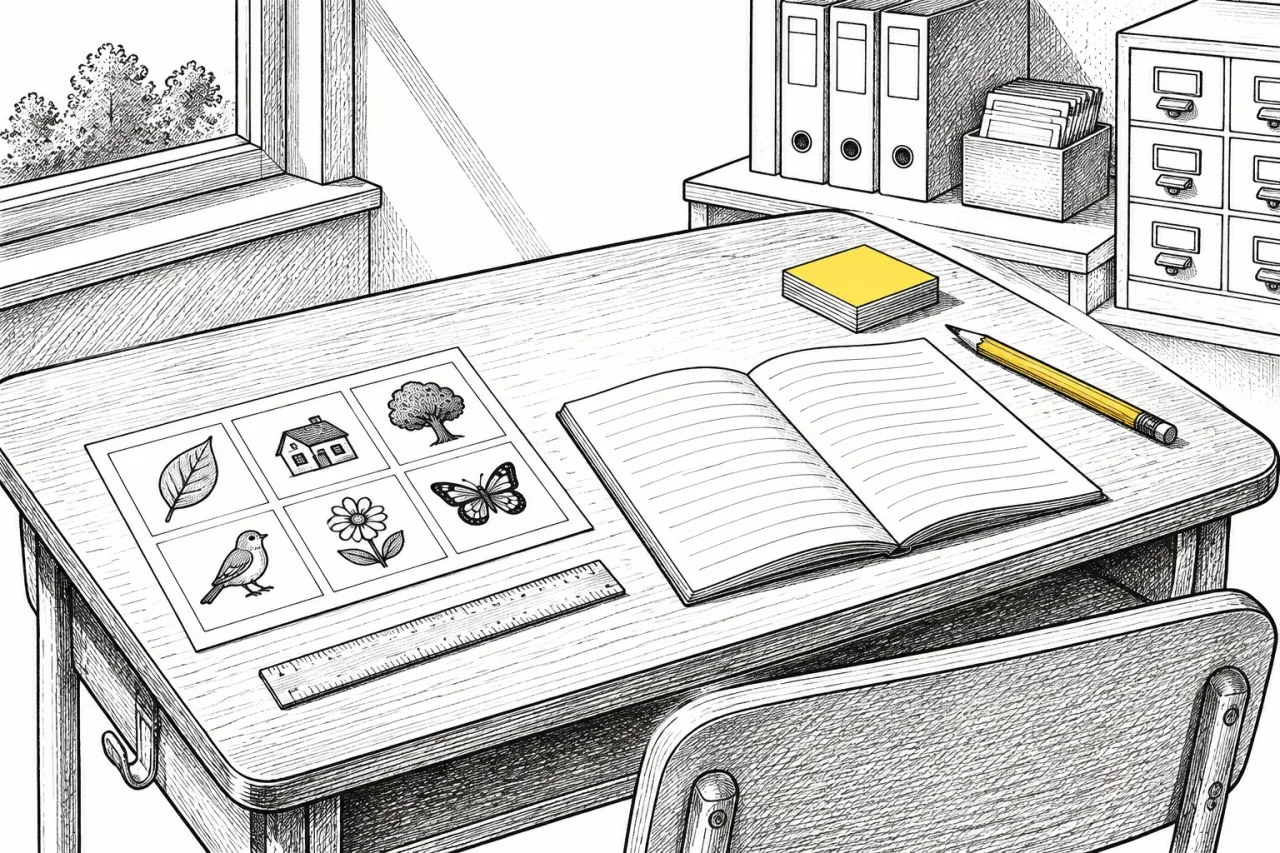
Add one picture per key word and give pupils two ways to respond. In Canva, make a one-page word bank: the word, a picture, a short meaning and the home language where needed. Print one for every desk.
For answers, a Padlet board takes short video and audio recordings on the free plan, so a pupil can say an answer instead of writing it. The free plan has 3 padlets and a 20 MB upload limit, so keep recordings short. Wayground lists read-aloud among its accommodations. Add two or three sentence starters on the sheet as well.
If you would rather not make materials, Twinkl has SEND and EAL resources, though most of its library needs a paid membership. Tes Resources has many free downloads.
Check it before pupils see it
Read and check everything the AI made before any pupil sees it. Look for three things: facts that are wrong, a simplified text that has lost the point, and translations that read oddly. Aila is a beta and Oak says it is weaker in STEM and languages, so check those lessons line by line. Its slides have no images, which is why step 4 adds them.
Print the sheet and read it as a pupil with a lower reading age would. If you stumble on a sentence, rewrite it. After the lesson, note which scaffold pupils reached for first. That tells you what to keep.
When it goes wrong, and next time
If you run out of time or energy, do steps 1 and 3 only, which takes 15 minutes. A clear outcome list and a lowered reading level help more than a polished slide.
The common mistakes are simplifying the key words away, translating the whole lesson when only the instructions need it, and trusting a first draft. Free limits can also catch you. Diffit keeps work for 90 days, Wayground content expires after 14 days and Chalkie gives five lessons or sheets every seven days. Download what you want to keep.
Next time, save the word bank layout and the sentence starters as a template and change only the topic. A repeat lesson should take far less than 45 minutes.
Frequently asked questions
What is the best free tool to adapt a lesson for EAL pupils?
There is no single best one. Diffit lets you set language and scaffolds, Brisk has Change Level with 50+ languages, and Chalkie adjusts level and language. Try one on a single lesson and keep the one that fits how you work.
Can I put pupil details into an AI tool?
You do not need to. Describe the class in general terms, such as a Year 8 group with three pupils new to English. Follow your school's data protection policy and use approved tools. This is not legal advice.
Do I have to translate the whole lesson for EAL pupils?
Start with the instructions and the word bank. Ask someone who reads the language to check the translation, because machine translation can get subject words wrong.
How long does it take to adapt a lesson for SEND and EAL pupils?
The first lesson takes about 45 minutes: 5 for outcomes, 10 for the base lesson, 10 for reading level and language, 10 for visuals and 5 each for answer options and your final check. Later lessons are quicker if you reuse your word bank template.