03 / 32 Lesson planningSlidesWorksheets and resourcesQuizzes and retrieval practiceMarking and feedbackSEND and differentiation

Brisk Teaching
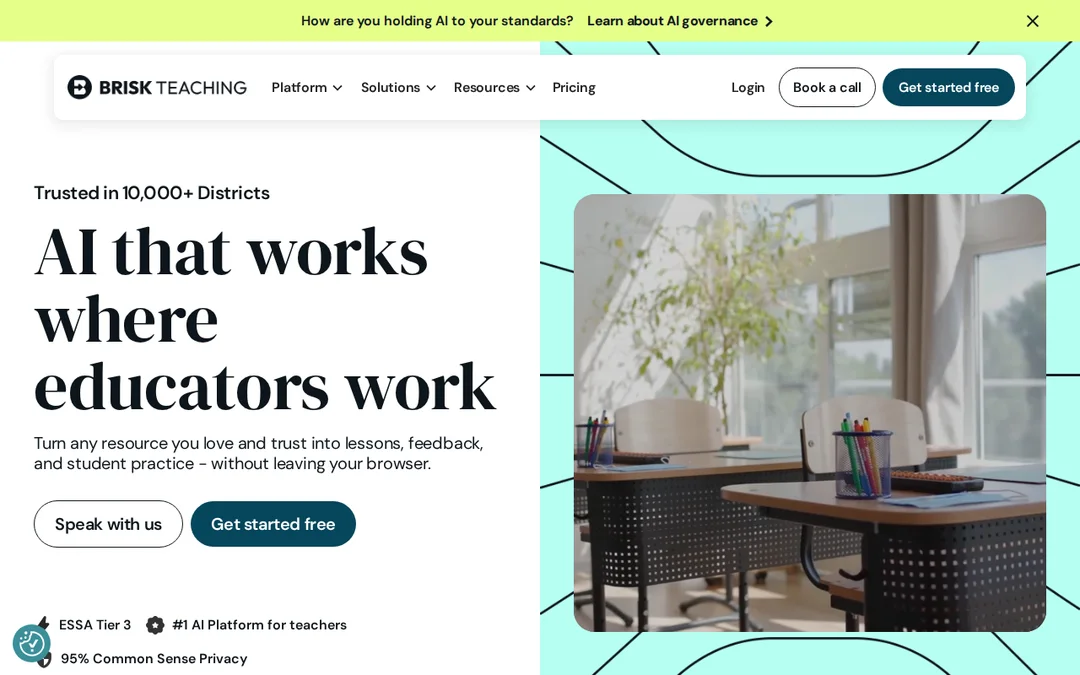
A Chrome and Edge extension that gives writing feedback, levels texts and makes quizzes and slides where you work.

Good to know
- Free for individual teachers
- Feedback appears right in Google Docs
- Changes the reading level of any text
Worth knowing
- Batch feedback has an upload limit on free
- No paid plan for one teacher
- Needs Chrome or Edge
Screenshots
Features
- Works inside Google Docs, Slides, YouTube, PDFs and web pages
- Batch feedback, glow and grow, rubric feedback
- Quiz, presentation, lesson plan and rubric generators
- Change Level for reading level, 50+ languages
- Inspect Writing shows how a pupil revised
What it is
Brisk is a browser extension. Open a pupil’s Google Doc, a YouTube video or an article and Brisk can write feedback, change the reading level, or turn it into a quiz or slides.
What is free
Free for teachers: the Chrome and Edge extension, 20+ tools, glow and grow and rubric feedback, and batch feedback with an upload limit.
What it costs
Premium and Intelligence are school and district plans with custom per-pupil pricing. There is no paid plan for one teacher.
Where it works
It works on Chrome extension, Edge extension, Web. It is made for teachers in the US.
When to pick something else
If you plan from scratch rather than from a page you already have open, a lesson builder such as Chalkie or Aila fits better.
Details checked on 18 November 2026 against Brisk Teaching’s own website.
Frequently asked questions
Is Brisk Teaching free?
Free for teachers: the Chrome and Edge extension, 20+ tools, glow and grow and rubric feedback, and batch feedback with an upload limit. Premium and Intelligence are school and district plans with custom per-pupil pricing. There is no paid plan for one teacher.
What is Brisk Teaching for?
A Chrome and Edge extension that gives writing feedback, levels texts and makes quizzes and slides where you work.